Indlæser...
Content-Aware Detection
is an algorithm designed to identify alterations within specific regions of an image. When significant changes are detected, it automatically triggers a cut, making it the ideal choice for analyzing darker movie scenes.
Threshold-Based Detection
operates by analyzing the intensity and brightness levels of individual frames. When these levels surpass a predefined threshold, a cut is initiated. This method represents a more traditional approach to cut detection, relying on classic techniques.
What files can the tool create?
- EDL - Edit Decision List (.edl)
- EDL - Edit Decision List (.edl) [with gap between takes]
- CSV - Comma-separated values (.csv)
[Timecode In, Timecode Out, Frame In, Frame Out]
Render individual files PRO
This option allows you to have the tool render an H264 (.mp4) file for each detected clip in your uploaded video. This is a great way to split a video into multiple segments for further editing without the need for additional software.
Anbefalet arbejdsgang
- Upload dit videoklip, og start Scene Cut Detection. Hvis filen overskrider den maksimale uploadgrænse, kan du også uploade en komprimeret version af din video.
- Download den genererede EDL/XML, og placer den i samme mappe som det originale videoklip.
- Importer EDL/XML til dit redigeringsprogram, link det til det originale videoklip, og begynd at redigere.
Demo-fil
Du kan prøve værktøjet med vores tekniske testfil.
- MP4/H264-video af 3 minutters længde i 25 fps med forskellige farveskift.

Automatiser dine arbejdsgange med vores API
Uanset om du er udvikler eller bare gerne vil automatisere flere processer med værktøjer som Zapier eller Make, kan du nemt integrere dette værktøj i dine arbejdsgange med vores API. Få mere at vide om integration af REST API i vores API-dokumentation.
API-dokumentation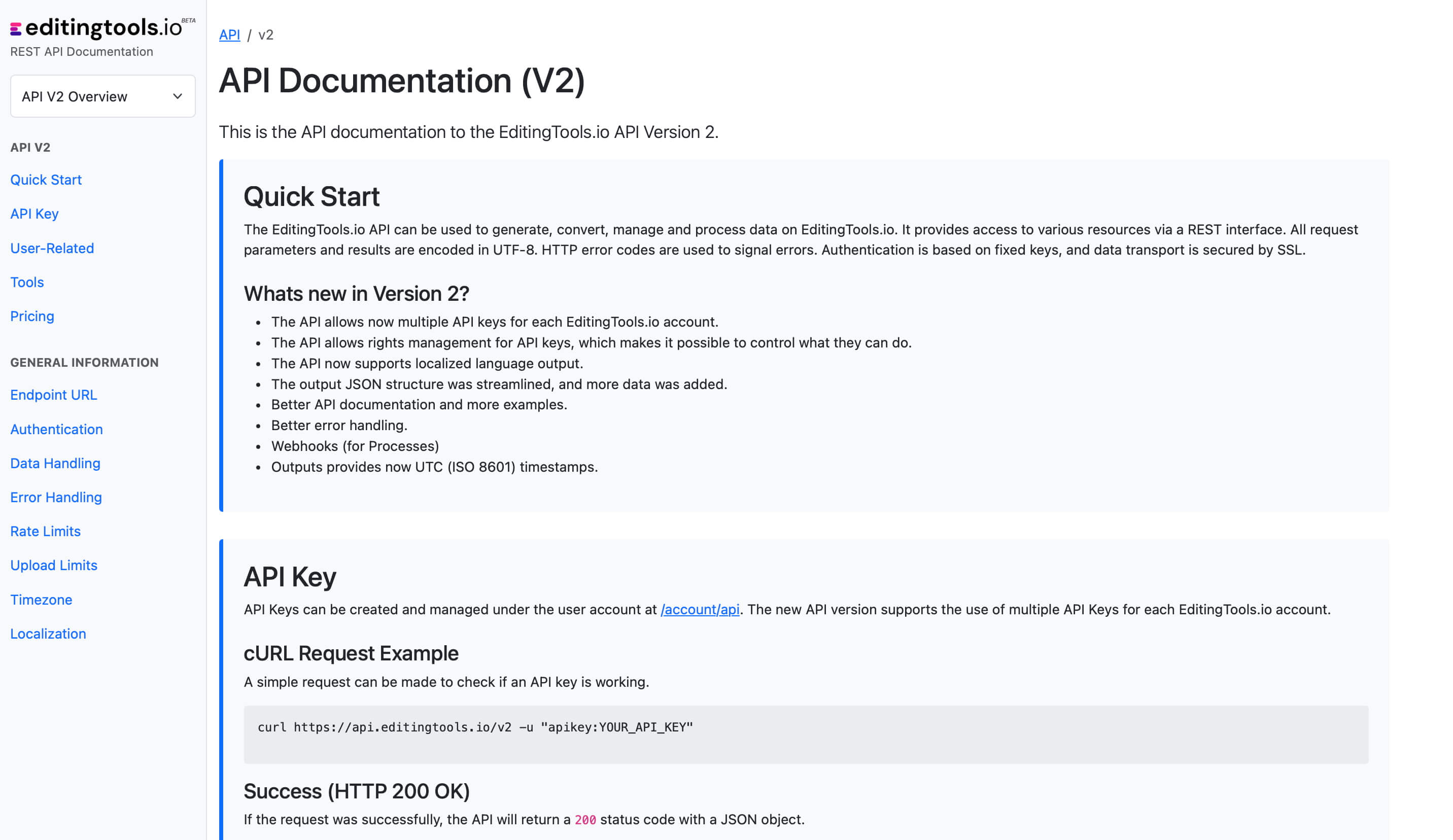
Get more with Pro
The Scene Cut Detection tool requires significant server power. While we offer a free tier for everyone, Pro users enjoy unlimited file lengths and more formats.
Explore Pro Features| Feature | Free | Pro |
|---|---|---|
| Video Length Limit | 15 min | Unlimited |
| Daily Limit | 3 files | Unlimited |
| File Size Limit | 500 MB | 2 GB |
| Render Subclips | ✕ | ✓ |
| Formats | .mp4, .mov | .mp4, .mov, .avi, .mxf, .mpeg, .m4a, .wma |