1. Use the "Undertekstværktøj og -konverter" to convert a DFXP subtitle file into a CSV file
Open the free Undertekstværktøj og -konverter, select "DFXP" and set "convert" to "CSV for Apple Numbers". Generate and download the file. Hvis du har problemer med at konvertere filen, kan du kontakte den gratis support.
2. Import the CSV file into Numbers
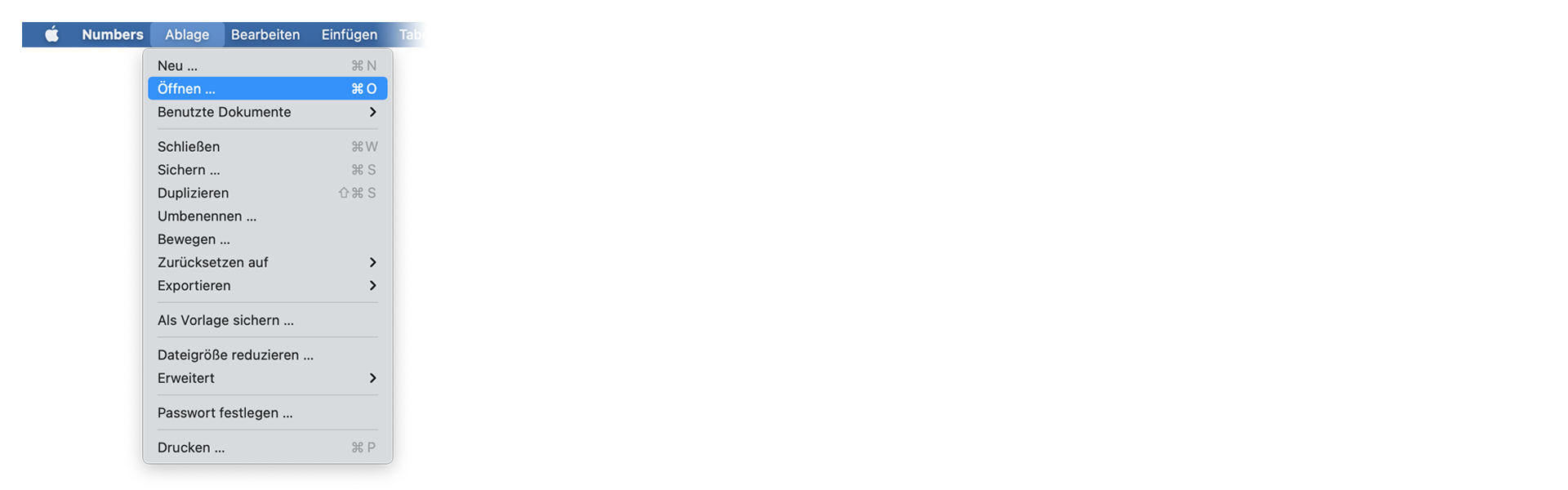
Open Numbers and go to "File -> Open". Simply open the CSV file.
🚀 Færdig
Det var alt for nu! Hvis du fandt denne vejledning nyttig, så del den for at støtte os. Hvis du har forslag til, hvordan vi kan forbedre workflowet, så giv os besked!