MediaDB er et uundværligt værktøj for små postproduktionshuse og freelancere, der arbejder med store mængder harddiske og diske. Appen hjælper med at oprette en database over alle de harddiske og filer, der er i brug. Den giver dig mulighed for at søge efter filer og gennemse mappestrukturer, mens drevene er offline. MediaDB kan også bruges til at oprette en RCP-fil til DaVinci Resolve ud fra en EDL under conform-processen.
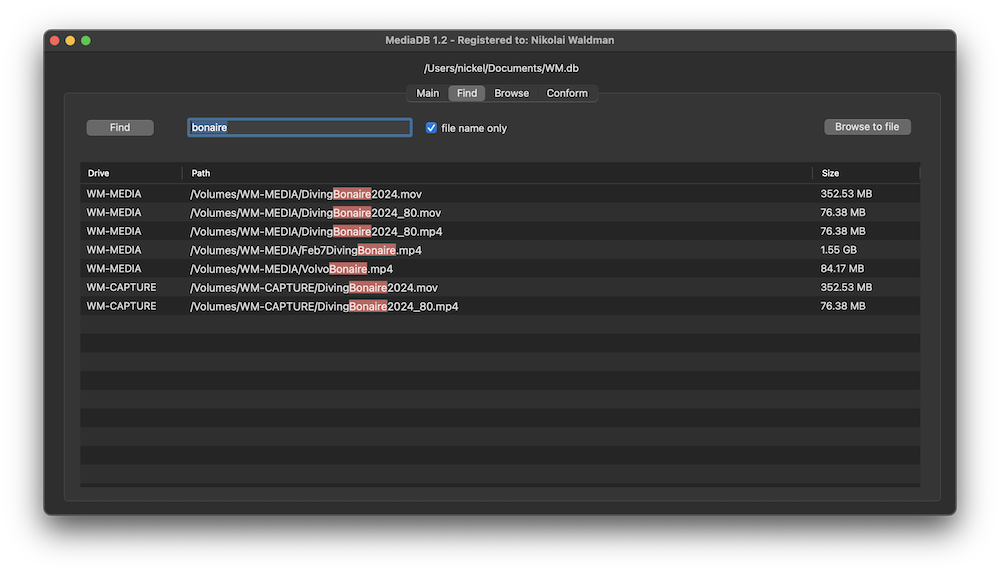
The perfect tool to manage a huge archive of drives in small post-production studios or for freelancers.
The demo version allows to scan the first 50 files on each drive.
Requires macOS 11.5 or later
Scans the hard drives and add them it to the database. Make sure every drive has a unique name. If you add or remove files from the drive you can scan it again and the database will be updated.
Use MediaDB to find a file when you need it without connecting any drives to your computer.
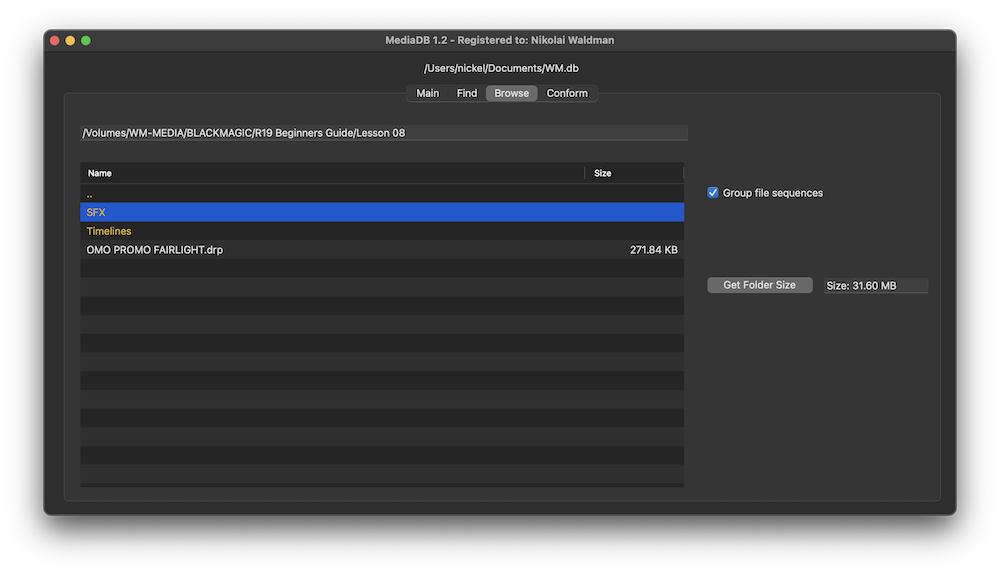
When selected, each file sequence will be presented in the format filename[start-end].extension
Select a folder and press the “Get Folder Size” button to calculate the size of all folders and files recursively.
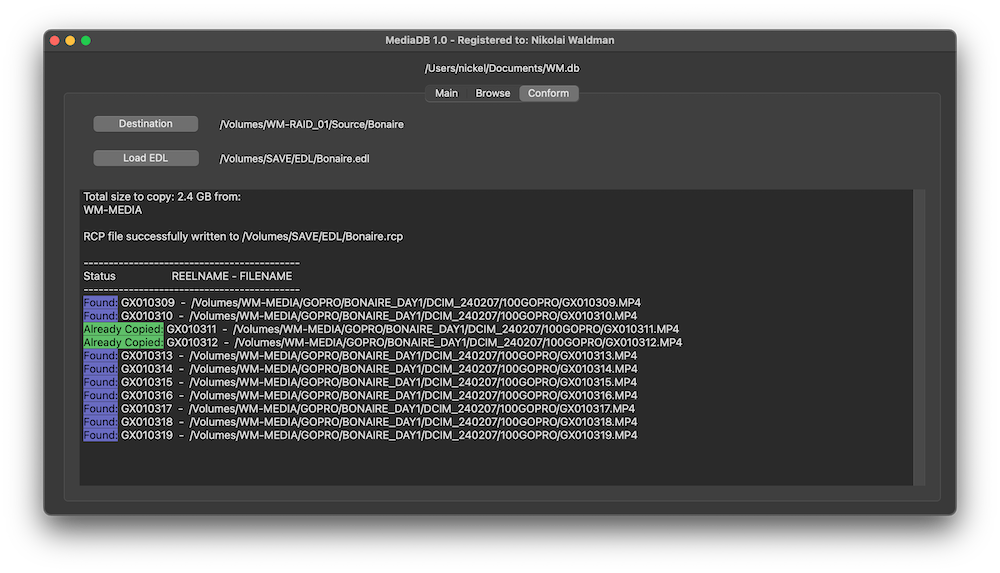
Import an EDL from any NLE with full reel names (e.g. File_129), and MediaDB will find the files and tell on which drives they are on. It will also create an RCP file, which you can then use with Resolve Collect to copy all the files.
Film Editors working on multiple projects often need to use multiple discs to store source footage and other assets. Rather than connecting hard drives to the computer and trying to find the correct file, MediaDB can easily locate the file. A quick search in the app is enough to find the necessary file and locate the correct disc. This is especially useful if the archive includes SD cards, USB sticks, and other virtual drives.
We offer three types of licenses. The single-user license is ideal for freelancers who want to use the software on one or two computers. This license is tied to a single account. For companies, we offer a team license, which is bound to the company. The number of licenses can be chosen upon purchase, with a minimum of three licenses. We also offer an enterprise option. Please contact our sales team for more information. All licenses are perpetual.
Bemærk: Selve pluginet er i øjeblikket kun tilgængeligt på engelsk.
Du bliver sendt videre til den sikre "Paddle"-betaling. Paddle.com er Merchant of Record.
Omvendt opladning: Hvis du køber til en virksomhed og har et momsnummer, kan du i nogle lande muligvis bruge ordningen med omvendt betalingspligt (reverse charge). Klik på "Add VAT ID" til venstre på betalingssiden, når du har valgt dit land og postnummer.
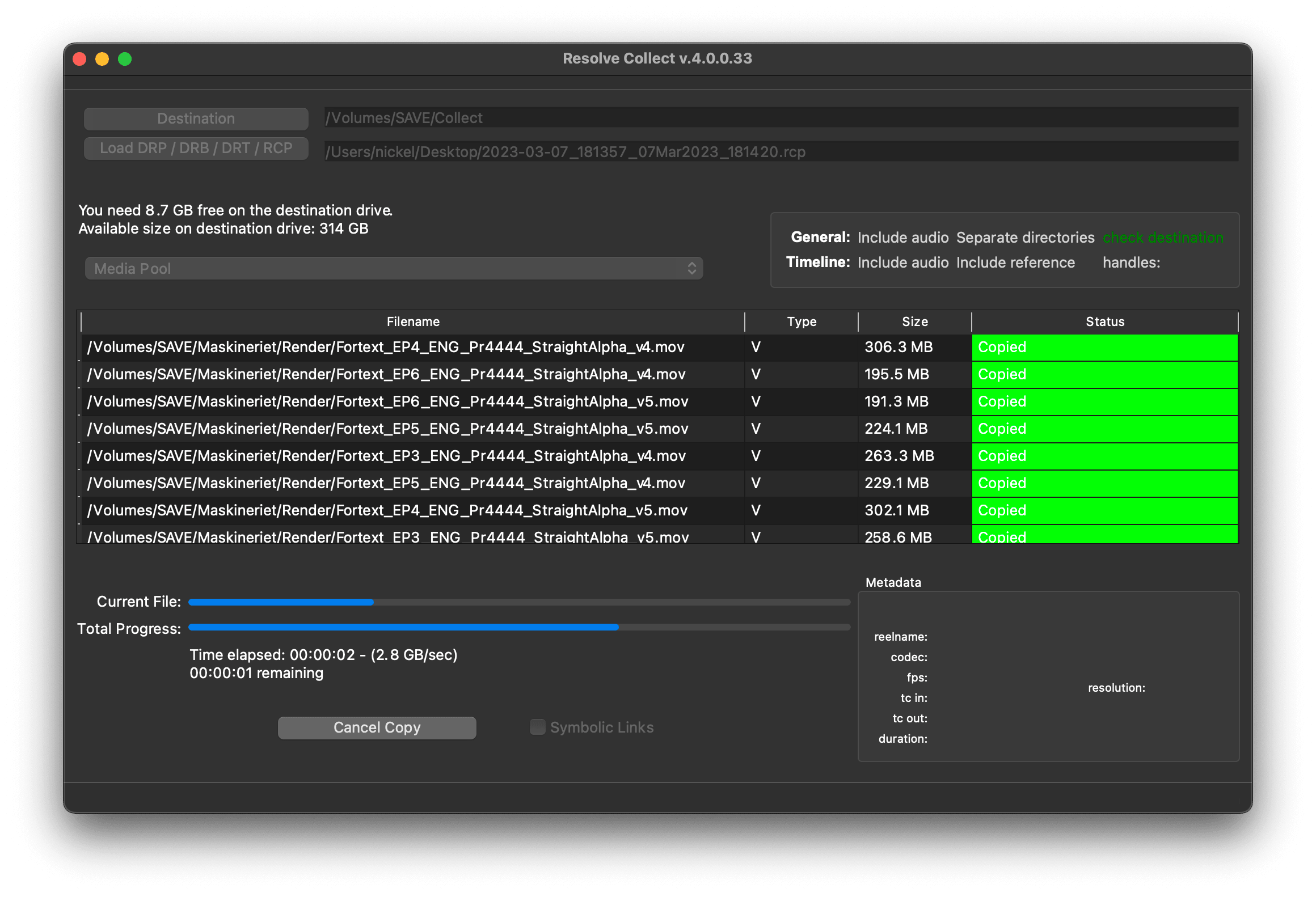
Resolve Collect and MediaDB
Hvis du har spørgsmål eller ønsker til funktioner, kan du kontakte vores supportteam. Vi er glade for at kunne hjælpe dig!
Når du har downloadet, skal du pakke zip-filen ud og starte .pkg-filen. Følg derefter installationsguiden.
From the app menu, select File > Register. Enter your license key in the "Key" field.
To remove a license from a device, choose File > Register from the app menu. Click on "Remove License".
You can save the database file to a server and connect to it there. However, be aware that the connection speed will be much slower. For the best speed, it’s better to have one master database file that you distribute to all the machines that need to access it.
Ja, hvis der er opdateringer tilgængelige, kan du downloade dem gratis.
Nej, denne applikation fungerer offline og deler ikke nogen af dine projektdata online.
Denne app understøttes kun på macOS.
Du kan bare slette .app-filen fra din computer.
Hvis du har brug for en funktion til appen, en ny mulighed eller en tilpasset version, så send os en besked. Vi leverer skræddersyede løsninger til din virksomhed.
Nikolai Waldman leads development for this app, which is published and distributed via EditingTools.io.